✓ PreflightClipsUpdated November 2026
One safe zone for TikTok, Reels and Shorts
Posting the same vertical clip to all three apps? These margins keep your text and logo clear of every app's buttons.
Keep text inside 250 px from the top, 460 px from the bottom and 160 px from each side of a 1080×1920 frame. That is the tallest top bar, the tallest bottom block and the widest button column of the three apps, plus a little room.
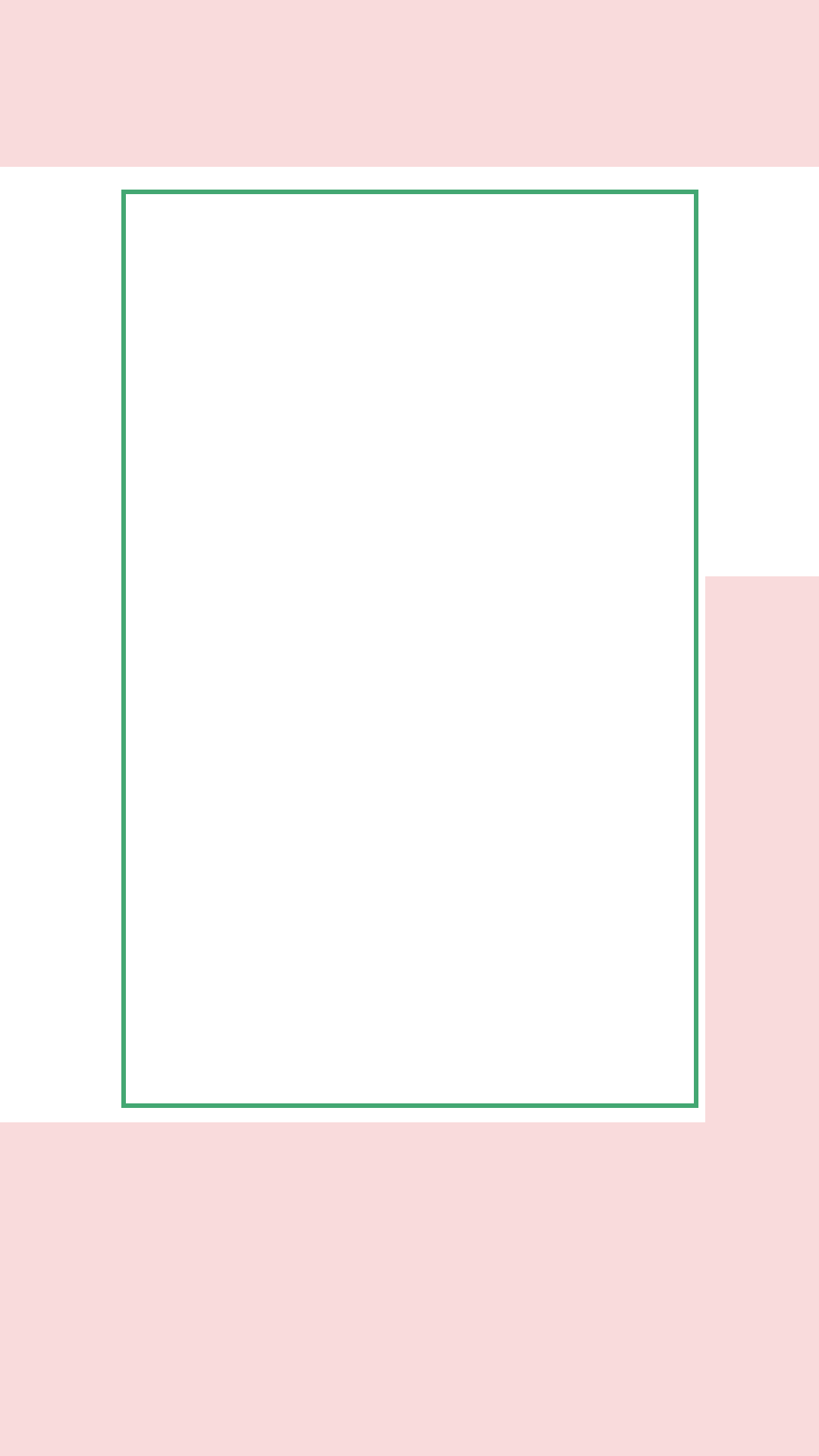
Each app on its own
| App | Top | Bottom | Right | |
|---|---|---|---|---|
| TikTok | 160 px | 440 px | 150 px | guide |
| Instagram Reels | 220 px | 420 px | 140 px | guide |
| YouTube Shorts | 140 px | 380 px | 150 px | guide |
Why both sides, when the buttons are on the right?
Centred text that only avoids the right edge looks off-centre. Keeping the same margin on the left keeps titles centred and still clear of the buttons.
Check your own clip
PreflightClips shows each app's zones on your video and places text inside the shared safe area for you. 3-day free trial, no card; the caption and file check is free.
Open the checker